
Learn how WebRTC turns locally captured audio and video into real-time media streams, and understand connection negotiation, codecs, network fluctuations, and their impact on the calling experience.
A typical web page sends a request and waits for the complete response. Video conferencing, however, requires two participants to speak and listen in real time while the video keeps updating. You can’t wait for a video to finish recording before sending it. WebRTC gives browsers the interfaces they need for real-time audio, video, and data communication, making it an important technology for online meetings, remote classes, and real-time collaboration.
Is WebRTC an API or a Complete Protocol Suite?
Both descriptions refer to different layers of WebRTC. The W3C WebRTC specification describes the browser’s JavaScript interfaces, which let applications send and receive real-time media and data between participants. IETF RFC 8825, meanwhile, explains WebRTC’s components and goals from the perspective of its communications protocol suite.
WebRTC isn’t simply an audio player or a switch that turns web requests into video. Real-time communication involves several challenges, including media capture, connection negotiation, media encoding and transmission, reception and processing, and synchronized playback.
What Happens Between Speaking Locally and Being Heard by Someone Else?
Consider a video conference that a user has given permission to join. The application first obtains a media stream from the microphone and camera, then uses its communication interfaces to establish a session with the other participant. The raw audio and video are encoded and compressed, then sent using real-time transmission mechanisms. The other participant’s device receives the data, buffers and decodes it, and plays it back.
| Component | Responsibility |
|---|---|
| Media capture | Obtains audio and video input authorized by the user |
| Connection negotiation | Coordinates available media and connection conditions between participants |
| Media processing | Converts audio and video into encoded data suitable for real-time transmission |
| Reception and playback | Handles data arrival and timing changes to reconstruct playable audio and video |
WebRTC applications also typically rely on an application server to manage meetings, participants, and signaling messages. WebRTC’s standard interfaces provide communication capabilities, but creating rooms, managing account permissions, and handling invitations remain the responsibility of the application itself.
Why Is Low Latency Harder to Achieve Than High-Quality Video?
When watching regular online video, a player can buffer some content in advance. In a conference call, however, it’s impossible to know what the other participant will say next. The application must balance buffering, picture quality, smooth playback, and interaction latency as data arrival rates fluctuate.
For example, a sudden drop in video quality may mean the communication app is adapting to available bandwidth to prioritize uninterrupted voice communication. Increasing the buffer alone may smooth out the video, but it also slows down the conversation. When evaluating real-time communication quality, applications should consider call latency, audio continuity, video clarity, and actual user feedback—not just the maximum resolution.
How Are Media Channels Different from Data Channels?
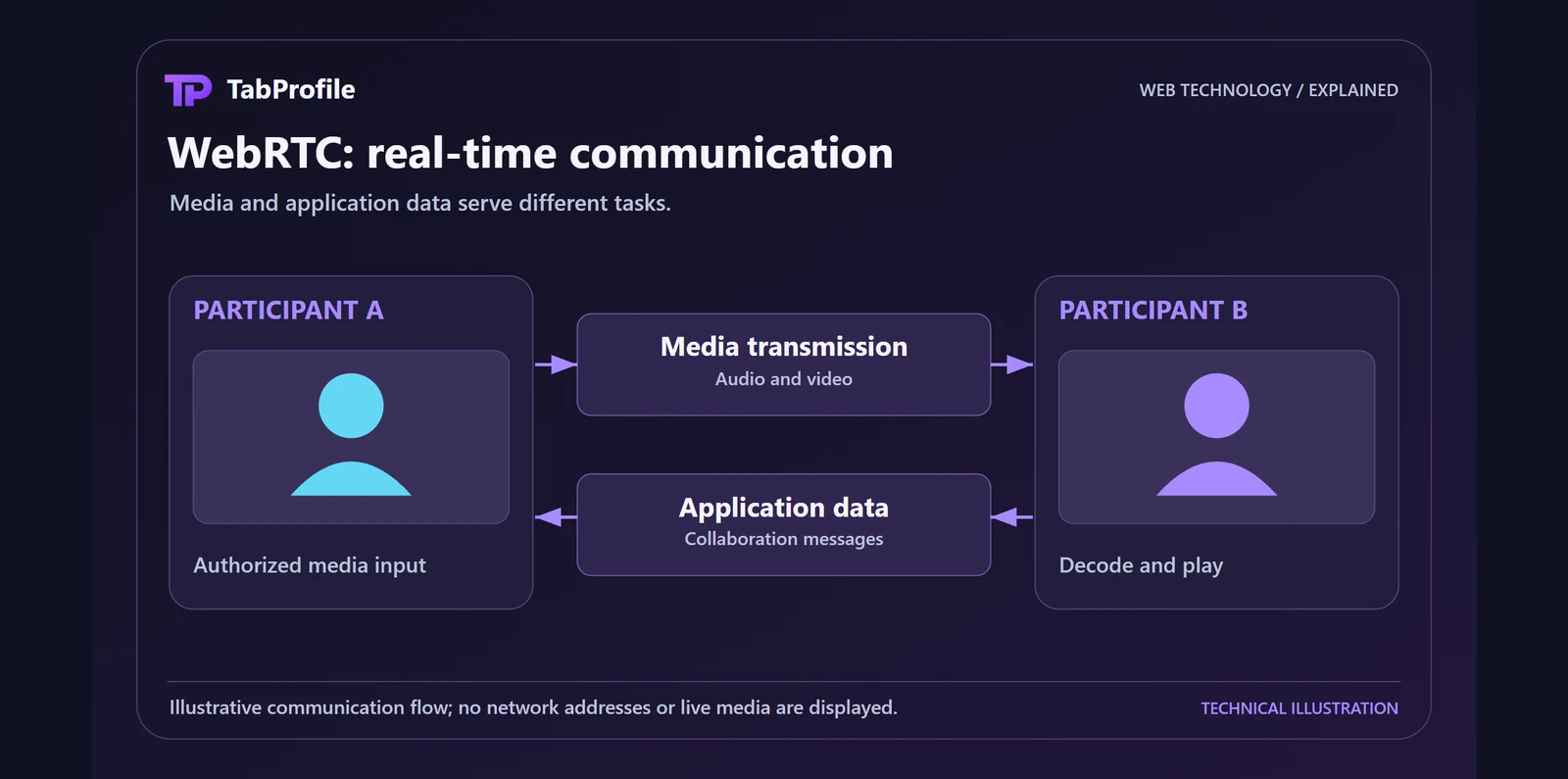
Audio and video need to play back according to media timestamps, while real-time applications may also need to transmit general data, such as whiteboard strokes or game state. WebRTC’s media transmission and data channels serve different types of communication.
In an online class, for example, the teacher’s voice is real-time media, while whiteboard actions can be sent as data messages. Course permissions, historical data storage, and user authentication should be managed by the classroom system. Designing business state separately from media data allows the application to retain necessary class records after a call ends.
Test WebRTC Applications in Real-World Scenarios
Before launching an in-house online meeting system, a team can test common scenarios such as two-way calls, denying camera access, toggling audio and video, and rejoining a meeting. These tests help confirm that the app’s prompts, audio playback, and participant statuses are accurate. Above all, respect users’ permission choices and provide clear feedback when a device is unavailable.
Teams that need to handle a video conferencing product, a course management system, and testing documentation at the same time can use TabProfile to manage separate browser sessions for each task and clearly track participant testing tasks and results. The product helps organize browser workspaces; media quality should still be judged based on the actual results of the meeting app being tested.
Frequently Asked Questions
Does WebRTC always need access to the camera? No. An application can use audio alone or communicate over data channels. When local media input is needed, it should follow the browser’s and user’s permission requirements.
Is WebRTC the same as video conferencing? WebRTC provides the technical foundation for communication. A complete video conferencing solution also needs room management, an interface, permissions, and various business logic.
The key to understanding WebRTC is recognizing that real-time communication is a continuous data-processing pipeline, with every stage contributing to what users hear and see.


